Every template uses the same information, so you can switch between them at any time without retyping a word.
-
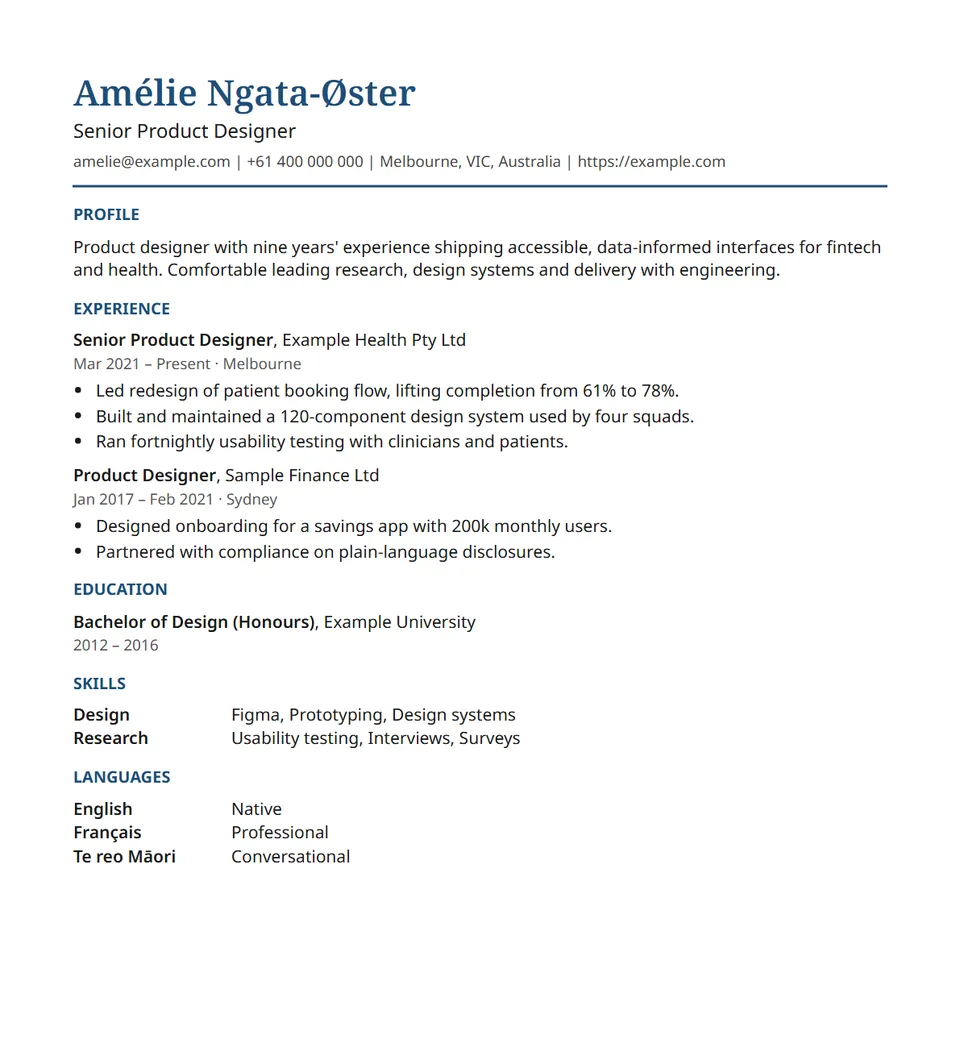
Classic
Serif name, coloured rule and clear headings. Reads well everywhere.
-
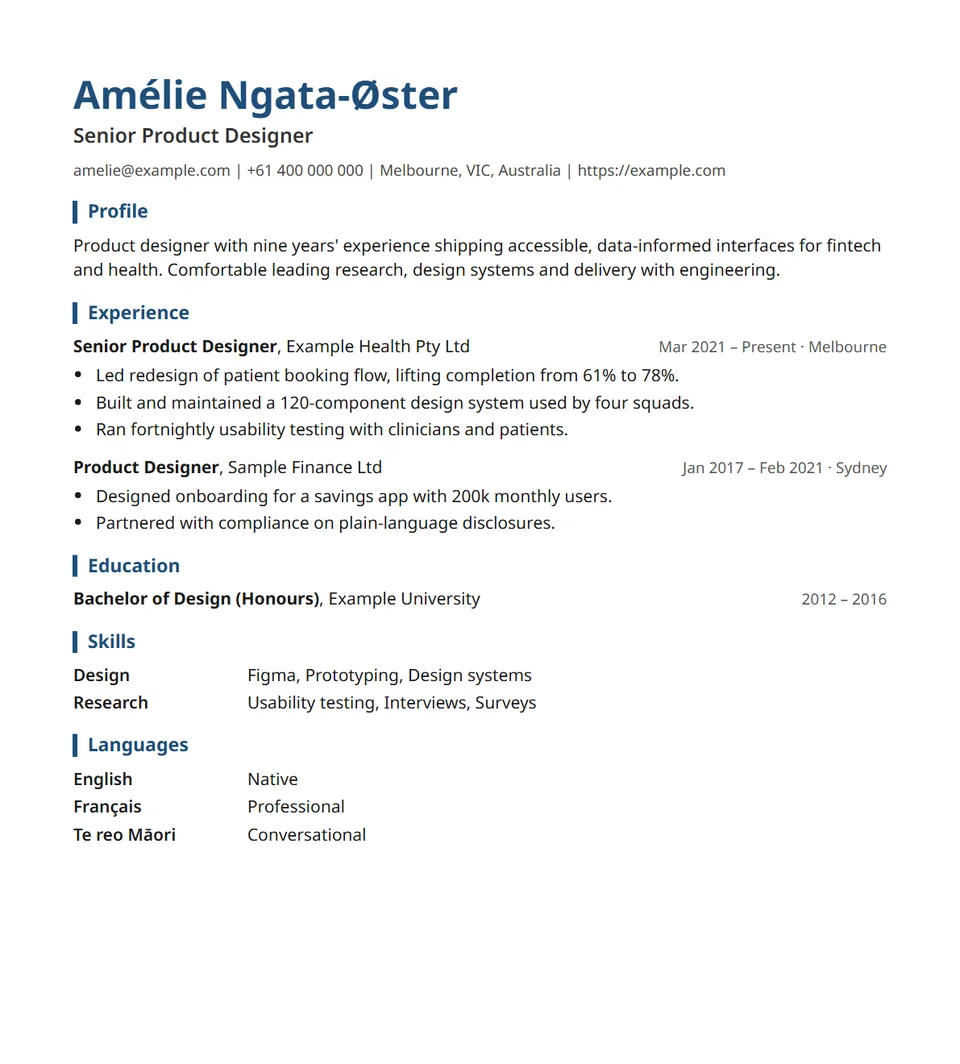
Modern
Bold sans-serif name, accent bars on headings, dates aligned right.
-
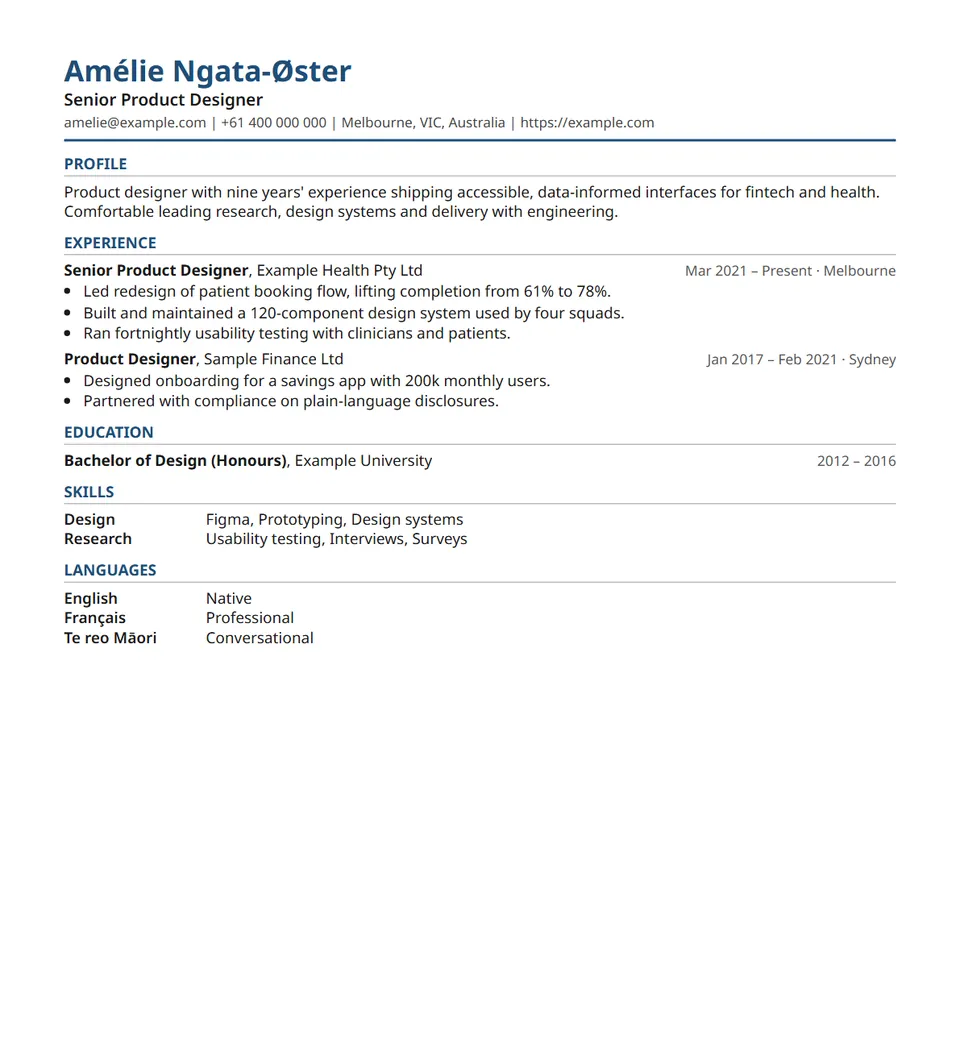
Compact
Tighter spacing and smaller text to fit a long career on fewer pages.
-
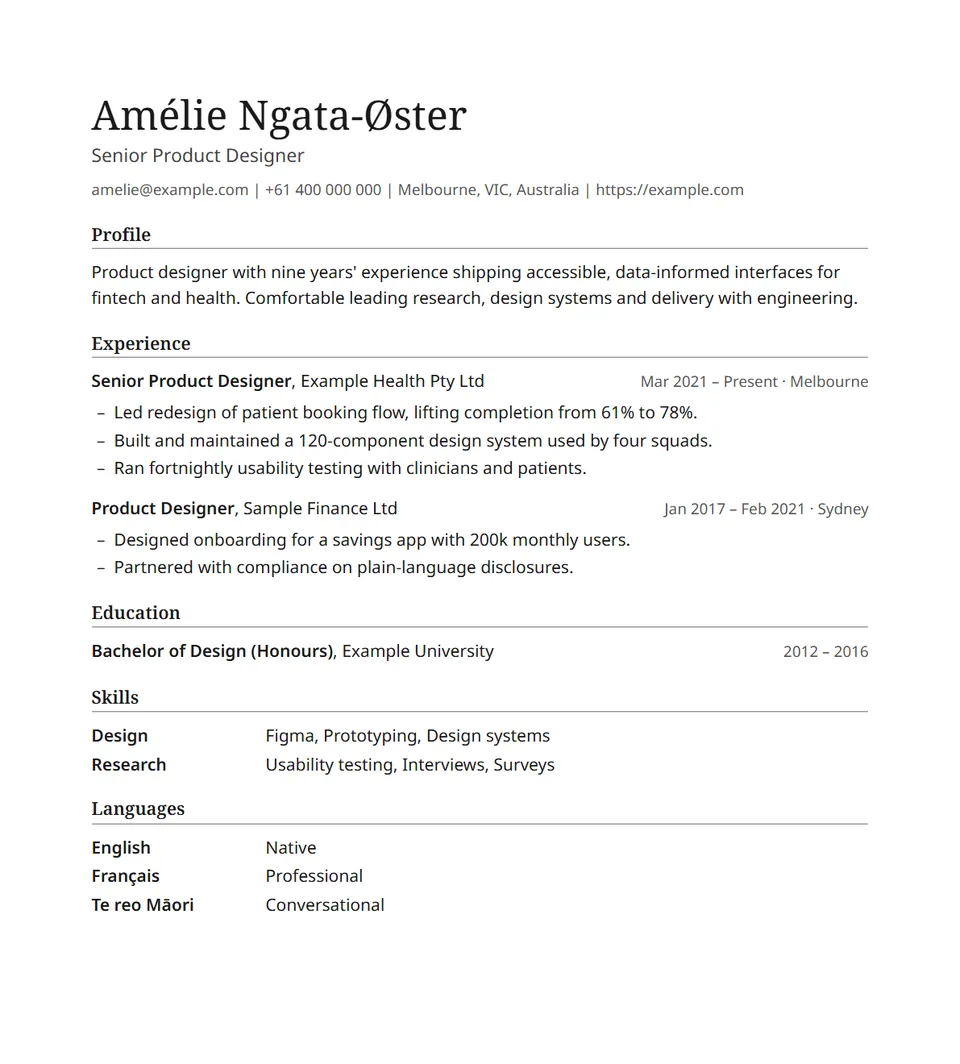
Minimal
Black and white, fine rules and generous space.
-
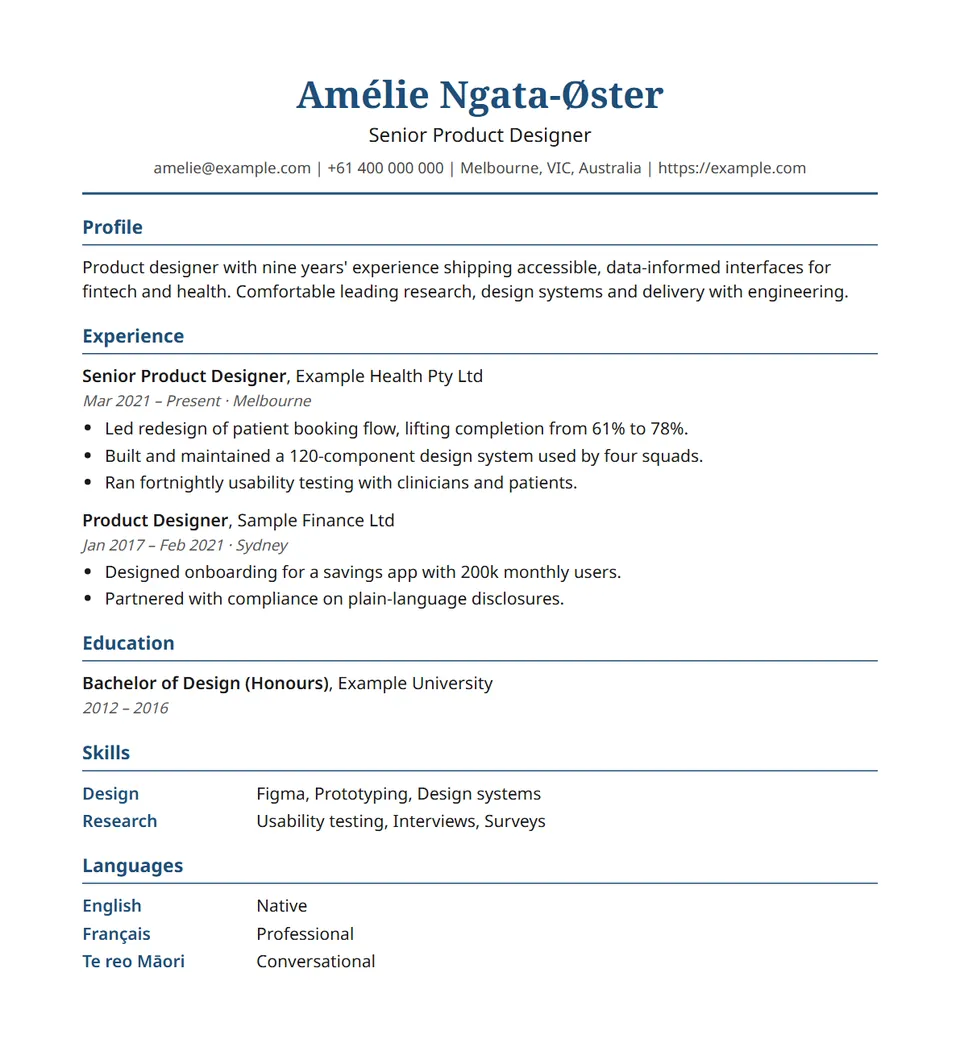
Graduate
Friendly and centred, with room to spare. Suits short work histories.
-
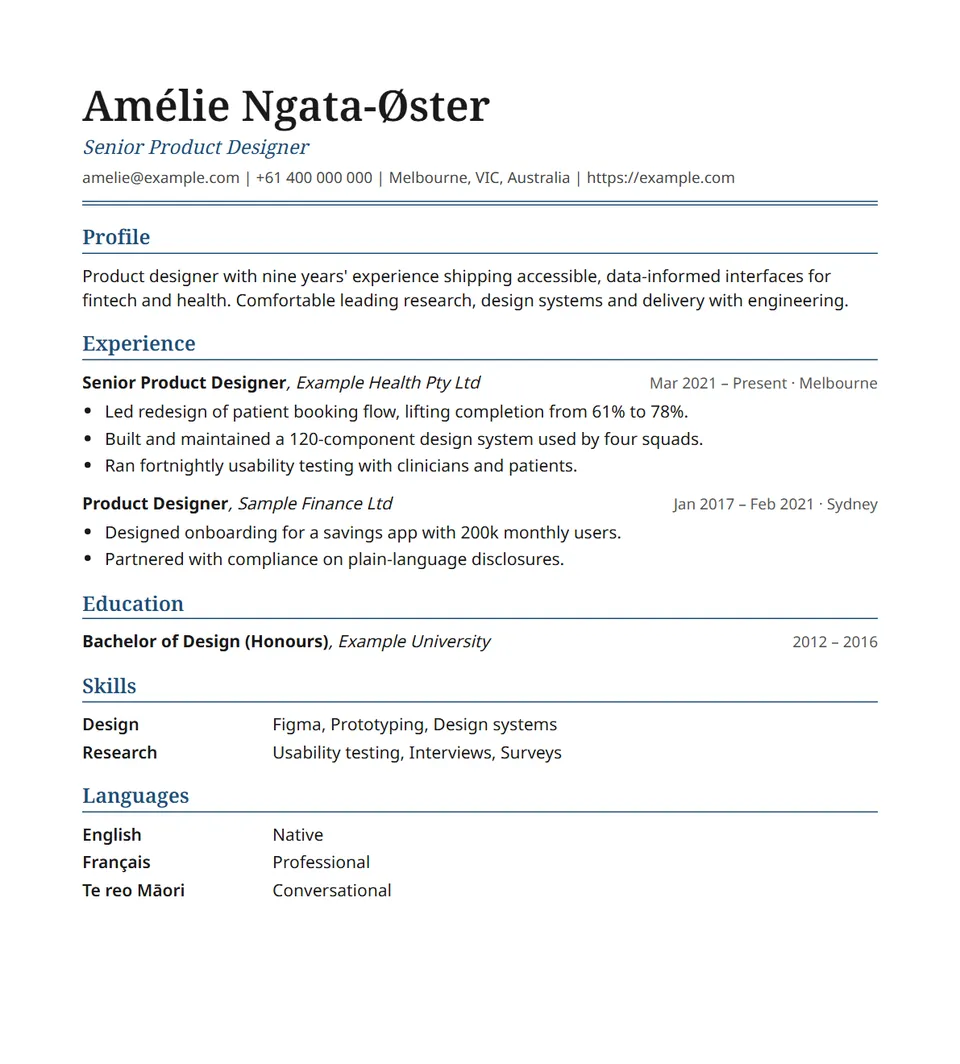
Executive
Large serif name over a double rule, serif headings. For senior roles.
-
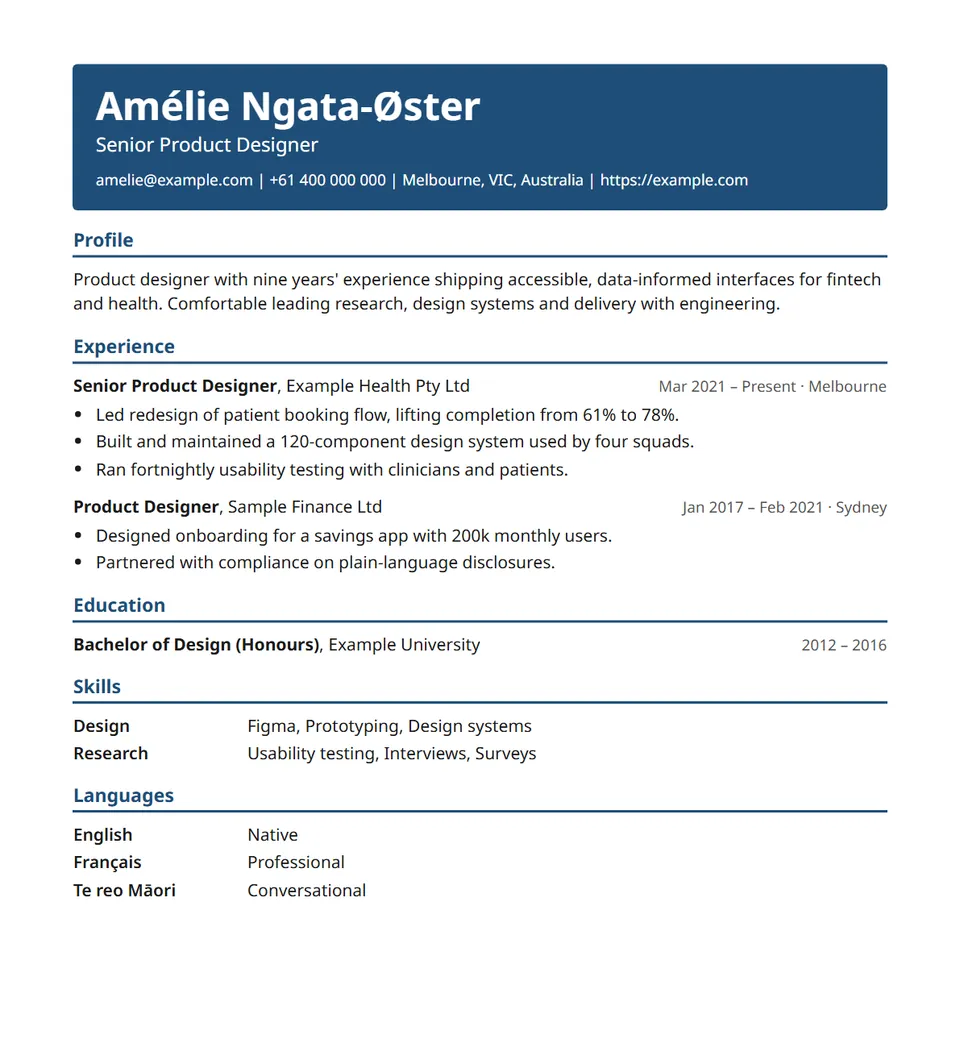
Banner
Your name on a coloured band, then clean sections. Stands out on screen.
-
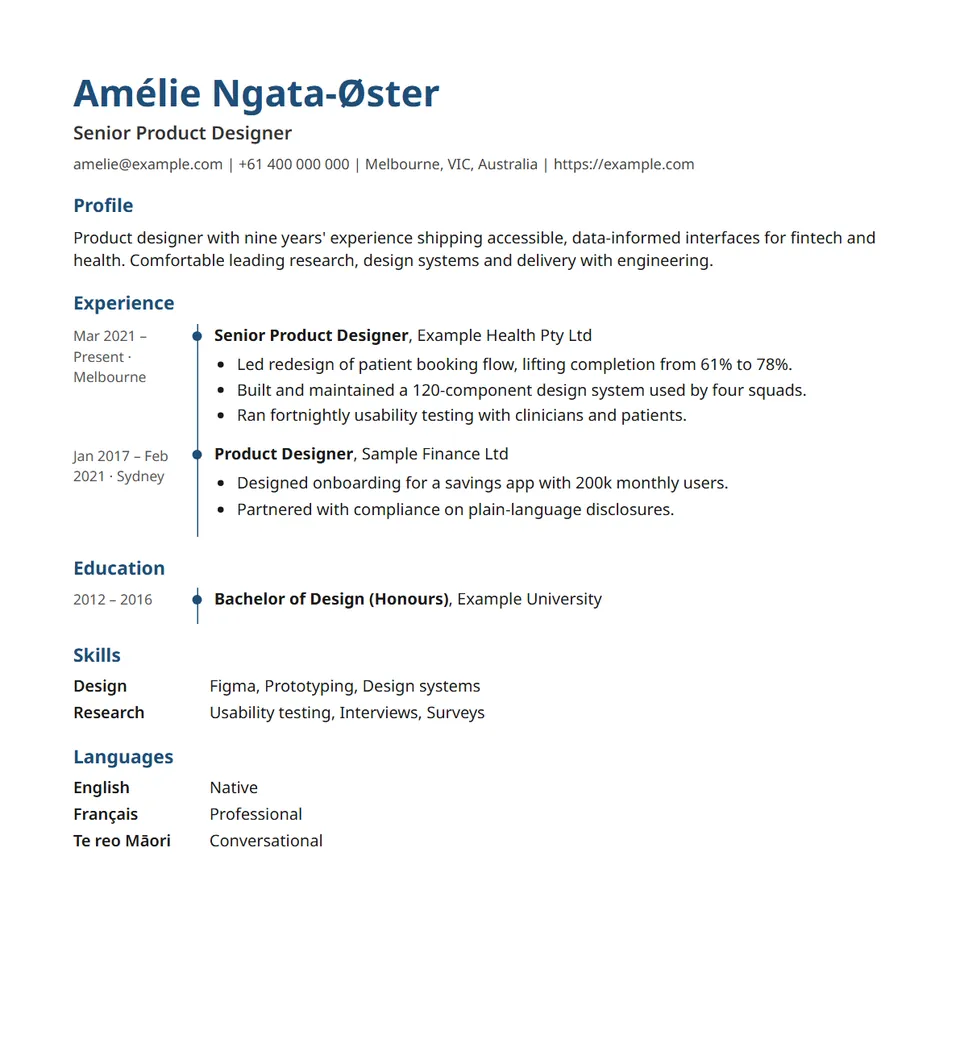
Timeline
Dates in a left column beside a coloured line. Shows your career at a glance.
-
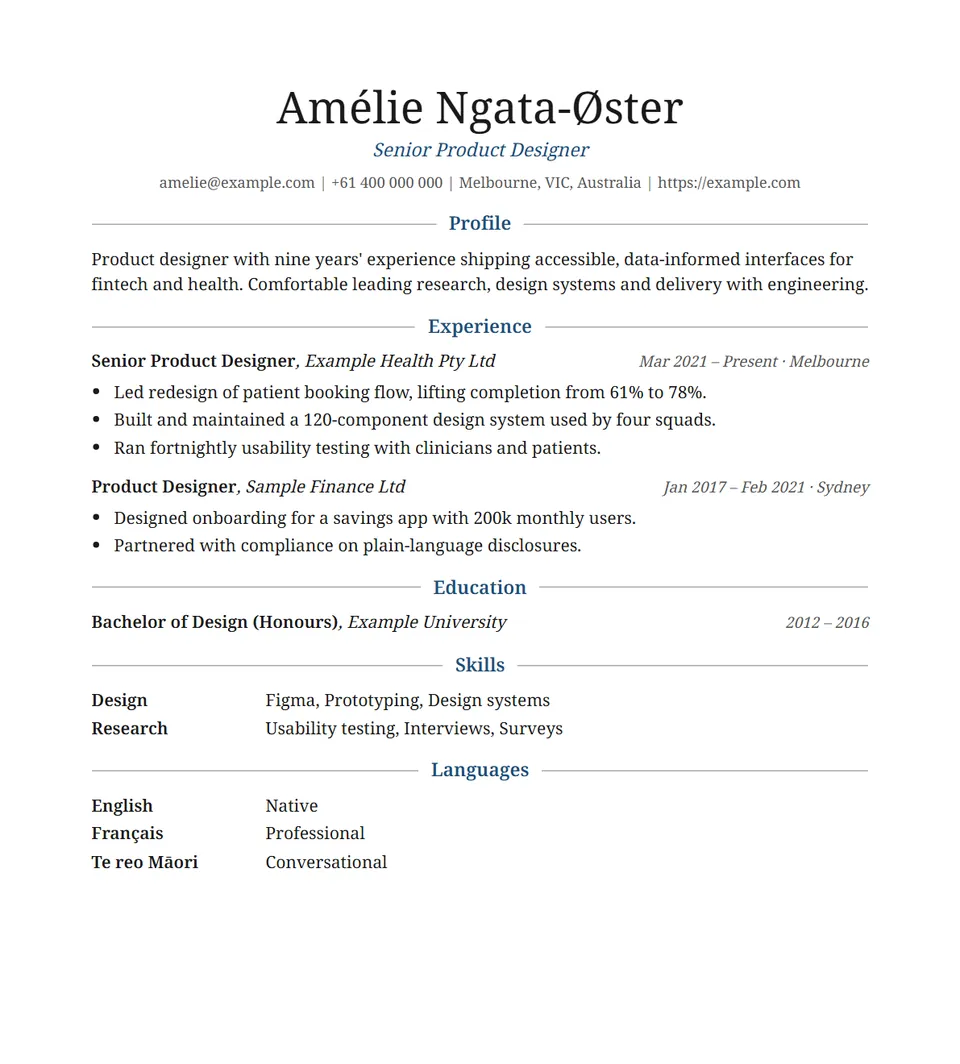
Elegant
All serif, centred headings between fine rules. Calm and refined.
-
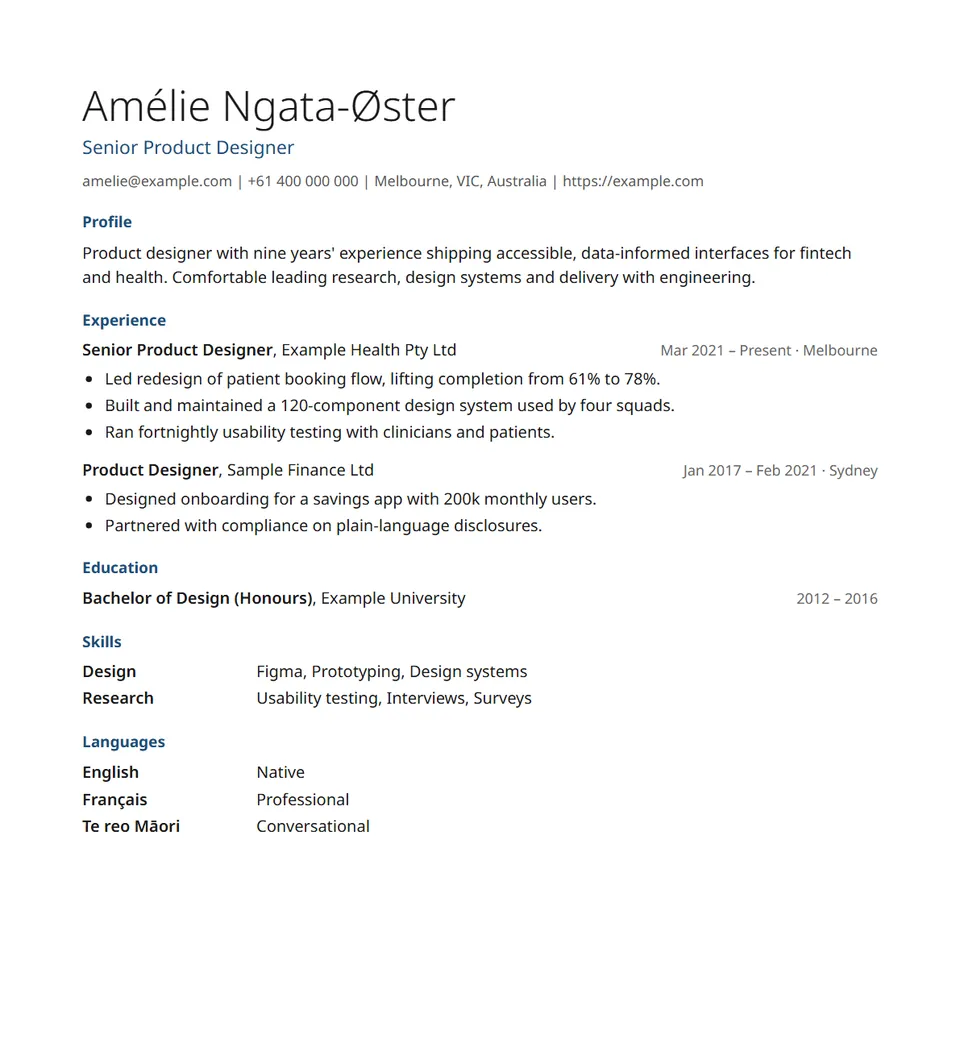
Clean
Light name, small coloured headings and plenty of white space.
How to choose a template
- Applying through an online portal? Every template here is a single column, which screening software reads most reliably. Classic and Modern are safe choices for any role.
- Lots of experience? Compact fits more on each page while keeping the text easy to read.
- Just starting out? Graduate gives a short history room to breathe. Move Education and Projects to the top.
- Going for a senior role? Executive has the weight of a formal document without extra decoration.
- Want to stand out? Banner, Timeline and Elegant add colour and character, and are still one column, so screening software reads them just as well.
Your next application starts with one page
Start with your most recent job. The rest follows from there.